ANDROID APP

Bonpay
BONPAY / ANDROID
For everyday businessBonpay
Keep customer credit, repayments, due dates and stock in one simple workflow for your store.
A focused collection of products we build and maintain. Explore the app on Google Play or get the Chrome extension here.
Explore the productsEvery product has a clear job, a direct way to get it, and a place to learn more.
For everyday businessKeep customer credit, repayments, due dates and stock in one simple workflow for your store.
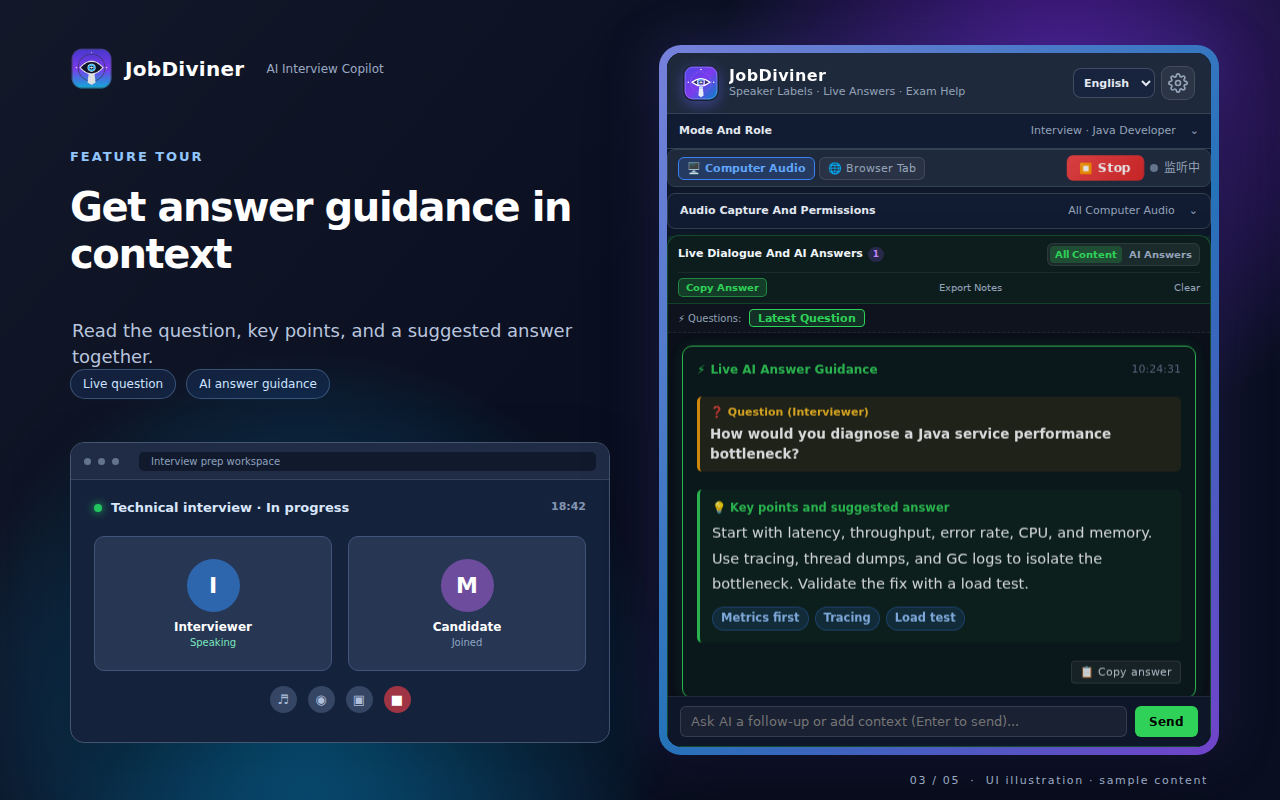
 For interview preparation
Follow live interview audio with transcription and AI answer ideas, or select a written question for help in the page.
Chrome does not install an extension by opening the ZIP file directly. The package is provided here while the Chrome Web Store listing is being prepared.
Download the ZIP file and extract it to a folder you will keep.
Open chrome://extensions and turn on Developer mode.
Click Load unpacked and select the extracted folder containing manifest.json.
New releases and future apps will appear here. Have a question or an idea?