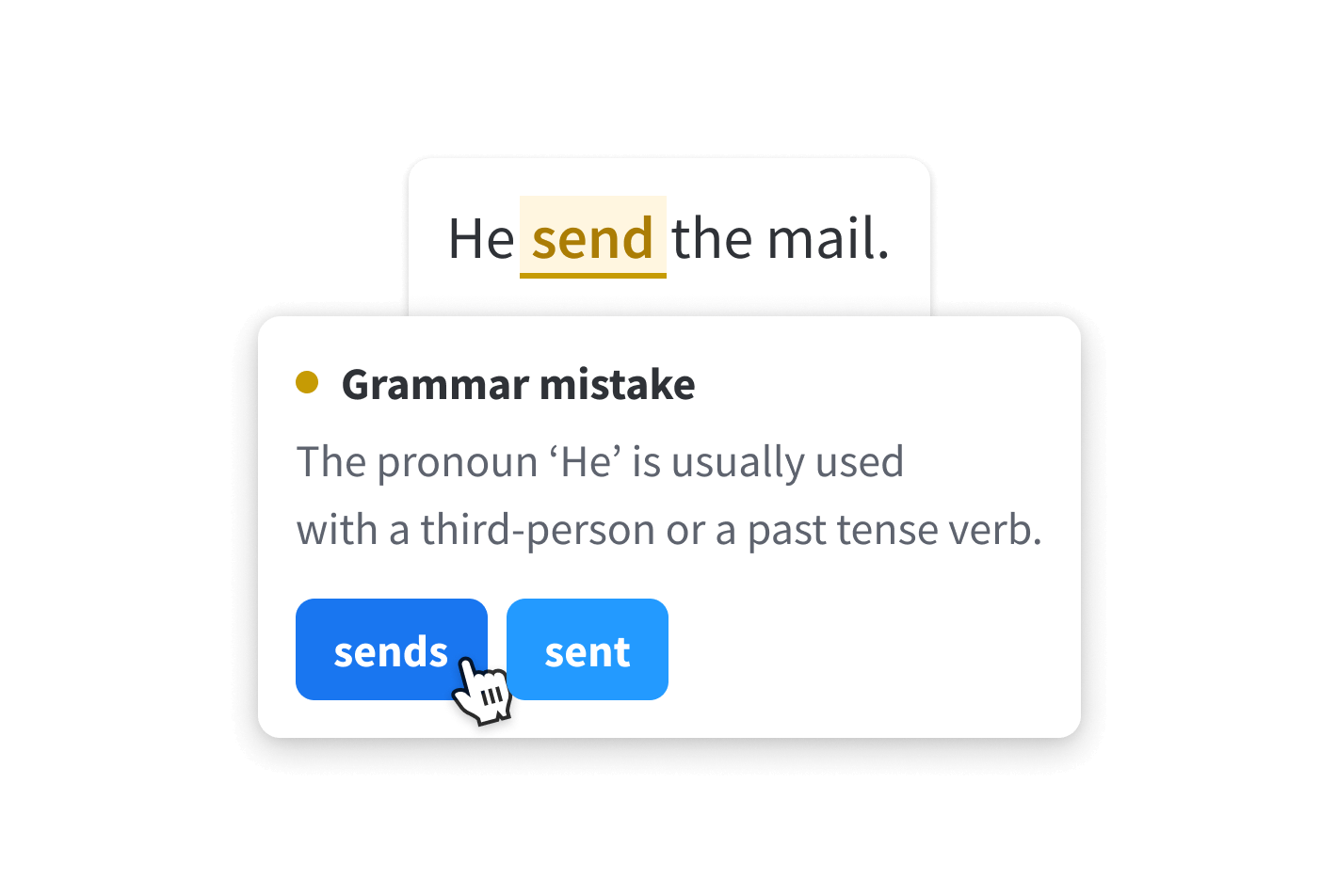
Check spelling, grammar, punctuation, and style across languages.
Grammar checkerFind spelling, grammar, punctuation, and style issues.
Multilingual proofreadingCheck a supported language or dialect before relying on its suggestions.
Browser writing helpUse an extension or integration where you compose text.
AT A GLANCE
When LanguageTool fits
Multilingual proofreading while writing. Works in more than 30 languages and in many writing surfaces.
BEST FORMultilingual proofreading while writing
ACCESSFree version with Premium upgrades
PLATFORMWeb · Browser add ons · Desktop apps
CAPABILITIES
What it offers
Check as you write
LanguageTool offers a web editor, browser extensions, and integrations for common writing tools.
Language coverage
Its grammar checker supports more than 30 languages and dialects.
Free versus Premium
Free access handles basic spelling, punctuation, and some style suggestions. Premium adds more advanced checks and larger limits.
BEFORE YOU CHOOSE
What to check
Advanced corrections and higher limits belong to Premium. Check the plan and feature pages below for current details.
TRY IT FIRST
Check it where you actually write
Test the web editor or browser extension in the language and writing surface you use most. Review each style suggestion in context, then check whether the free tier covers the text length and features you need.
Separate LanguageTool corrections from a full rewrite
LanguageTool's editing overview describes spelling, grammar, style and paraphrasing assistance. Treat a spelling correction and a changed sentence as separate review decisions.
Try a narrow correction first
Use this fictional draft: “The exporter may ommit annotations; check a copy before sending.” Correcting “ommit” to “omit” preserves the instruction. A rewrite that says the exporter preserves annotations or the file is ready to send would need new evidence.
Try the paragraph in the web editor or extension you intend to use. Record which editing surface and language you selected.
Inspect a small correction individually rather than accepting every suggestion at once.
If you request paraphrasing, compare the result with the original for uncertainty, conditions and required actions.
Paste into the destination document and recheck the sentence and its links.
A message that passes a grammar check can still state a wrong fact. Use the source document to resolve quantities, dates and promises. If you are choosing between editing routes, compare the DeepL Write workflow and the writing category, then test approved sample text in your actual environment.
Workflow help checked October 20, 2026. This section does not establish feature access for a particular account.